Peptide Scanner, London
How to check a Janoshik lab report yourself
On 13 October 2026 our certificate guide added the steps to open the lab's own copy of a Janoshik report and compare it with the copy a seller shows you.
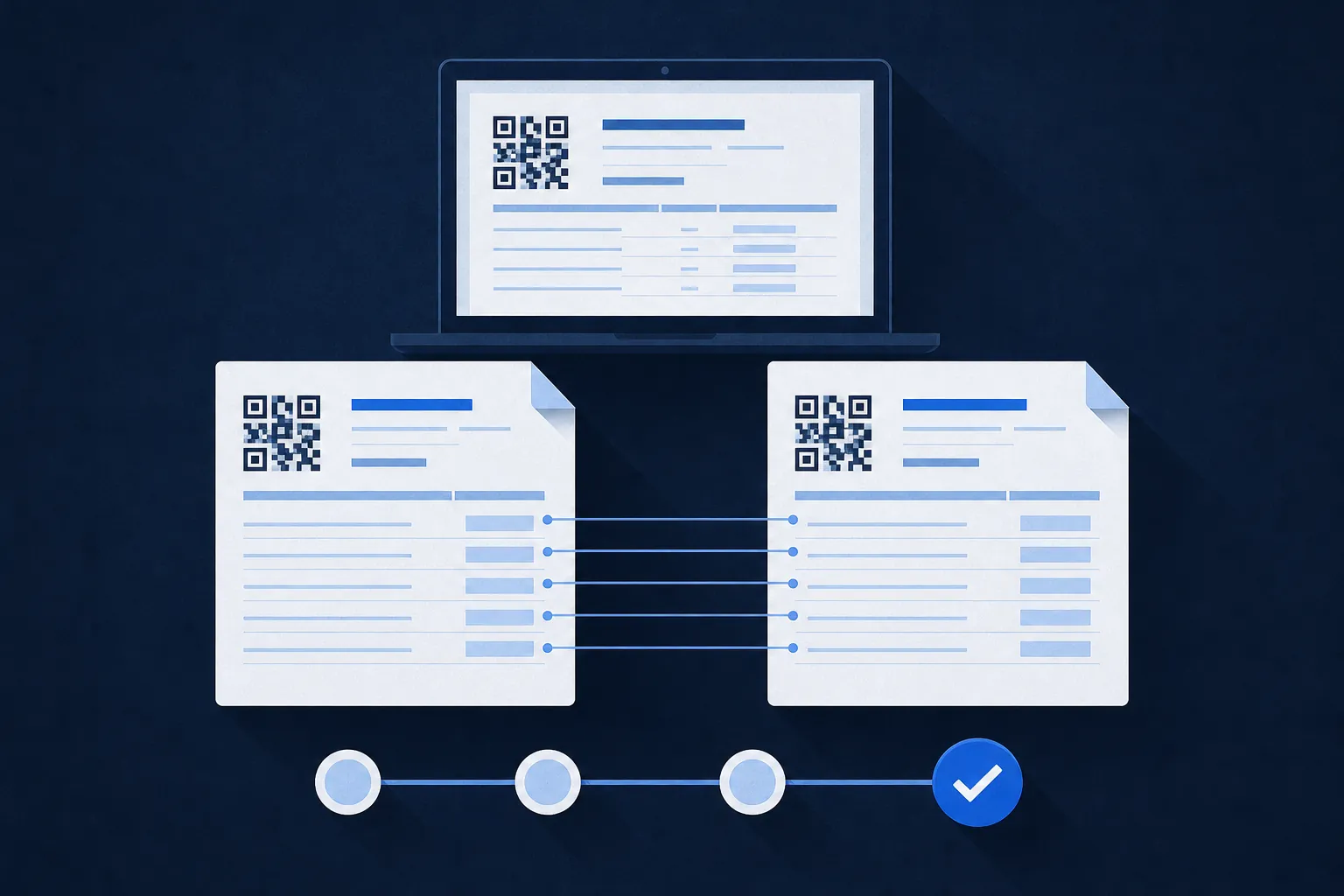
On 13 October 2026 we rewrote our guide to certificates of analysis. A certificate of analysis, or COA, is a lab report about one sample. Many sellers post them on their websites.
The guide now starts with Janoshik, one of the two labs named most often on the certificates we hold. It shows how to check a Janoshik report on Janoshik's own website, in four steps.
First, find the task number and the verification key on the report. Second, type janoshik.com/verification into your browser yourself. Third, enter the task number and the key. The lab's own copy of the report opens. Fourth, compare every field with the copy the seller showed you: sample name, batch, client, dates, the amount measured and the purity. They should match exactly.
The guide also lists warning signs. A report with no QR code or key. The same task number on different products, because a task number belongs to one sample. A key that opens nothing, or opens a different report.
For other labs, look for a report number, QR code or link, and open it on the lab's own website. Many labs have no public lookup. You can still give the number to the lab and ask if it issued that report.
A report a seller publishes is not a Peptide Scanner test. If you already own a vial, you can ask us to test it.
Update: on 20 October 2026 we removed the separate guide page. Its address now opens our methodology page, which explains how certificates count in a supplier's score. The four steps above still work on Janoshik's website.